

Figma Reviews
Widgetbook Cloud Review can also help with verifying if the developer meets the design requirements by comparing the Flutter widgets to their corresponding Figma designs.
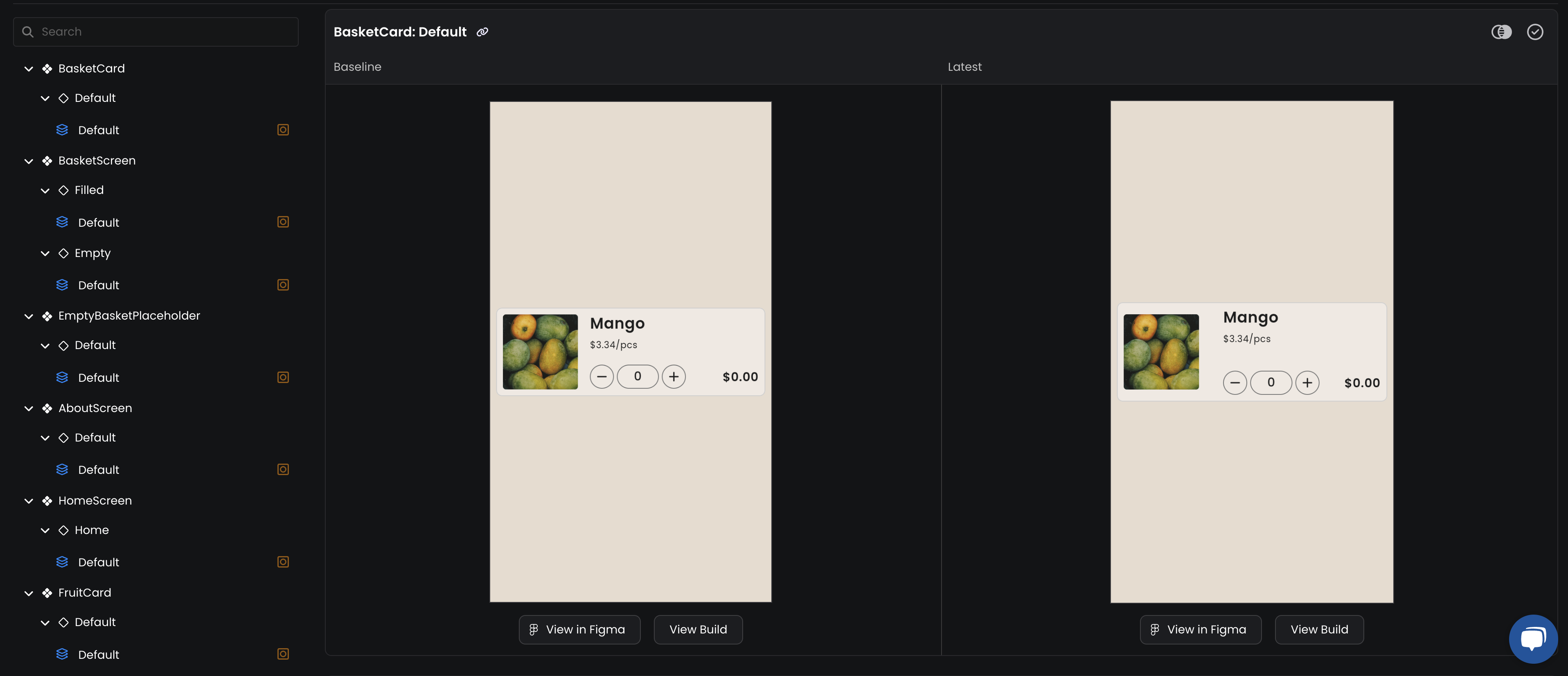
Guide
To have a "View in Figma" button in your reviews, you need to add the Figma URL to your use-cases:
-
In your Figma design file, navigate to the component that resembles your Widget.
-
Copy the link to the component by right-mouse clicking on the component and selecting
Copy/Paste as>Copy Link. -
Set the
designLinkproperty of the@UseCaseannotation by pasting the copied link.// Example from https://github.com/widgetbook/groceries-demo/blob/main/widgetbook/lib/core/app_bar.dart @UseCase( designLink: 'https://www.figma.com/file/EXuEpwiyksLAejYX1qr1v4/Fluttercon-Berlin-2023-Demo?type=design&node-id=277-3056&mode=design&t=nVL8hLmc1jlcilZL-4', name: 'Default', type: AppBar ) -
Re-run
build_runnerto update the use-cases metadata.dart run build_runner build -d -
Commit your changes and push them to your repository; to create a new build.